
14 Free Travel Planning Tools That Cover the Basics
Planning a trip does not require a paid app for every task. A map, an official park or transit page, a simple budget sheet, and a saved copy of your bookings can cover most of the work. The challenge is choosing one reliable place for each job and knowing when to switch from an attractive summary to the official source. A crowd-sourced map can help you explore; a transit agency is where you confirm the last train.
These free tools are a starting kit, not an endorsement of every feature or a promise that every service is available in every country. Free plans can change, features differ by device, and some tools require an account or an internet connection. Confirm important details with the airline, hotel, attraction, transport operator, or government agency that controls them.
14 tools that solve different planning problems
1. Google Maps for route comparisons
Use a map app to compare where lodging sits relative to your main activities, stations, grocery stores, and backup options. Save only the places you might realistically visit, then check the route at the time of day you expect to travel. A five-minute map estimate is not a guarantee: service frequency, construction, accessibility, traffic, and weather can change the actual trip.
For a group, use one shared list with simple categories such as “stay,” “anchor,” “food,” and “backup.” Avoid pinning every recommendation you find. Too many saved places create clutter and make the itinerary harder to use.
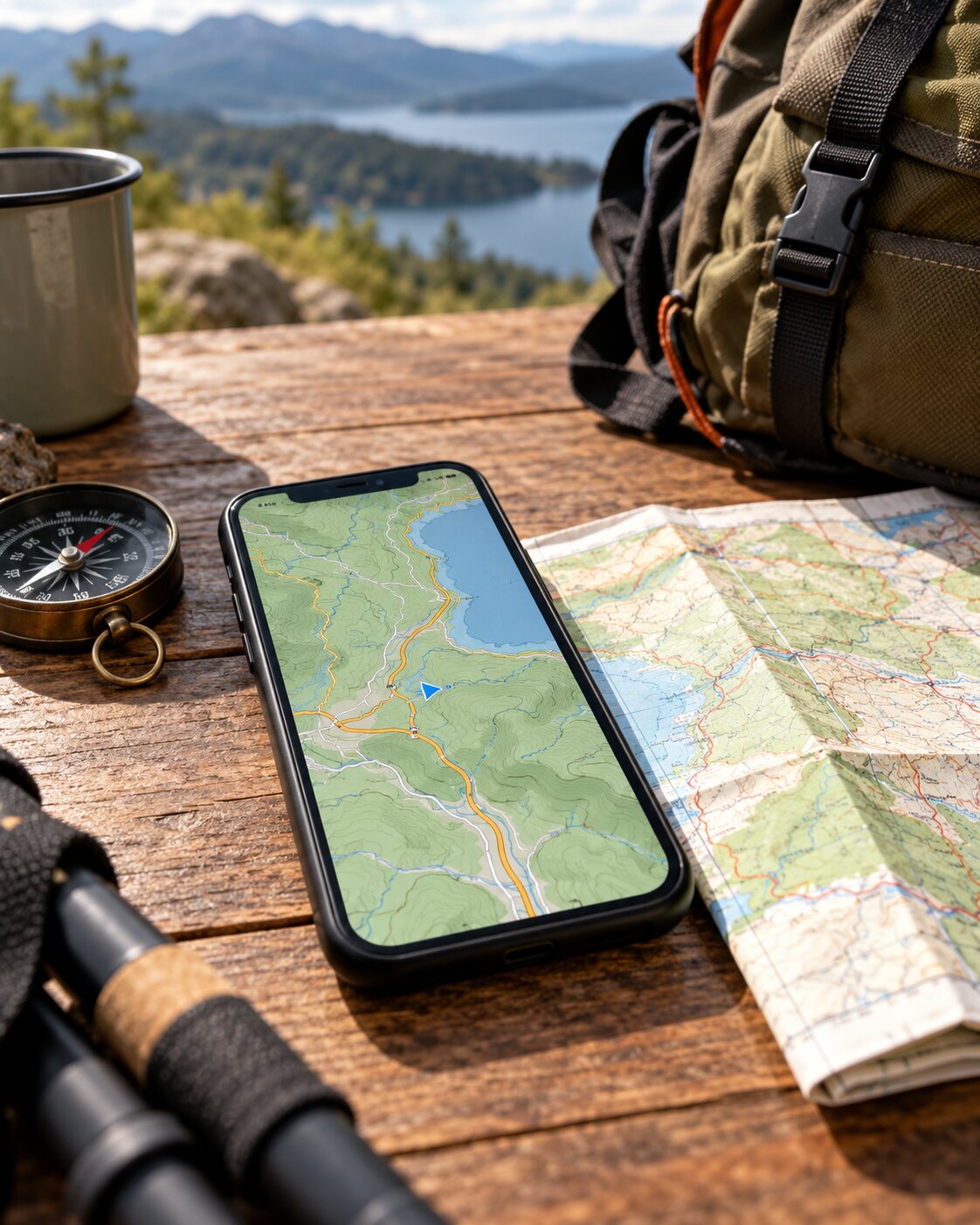
2. Offline maps for weak-signal areas
Download the area you need before leaving coverage, and confirm that the downloaded map includes the full route rather than only the town center. Offline map features differ by device and region; some directions or live information may be unavailable without a connection. Google’s help page explains how to download areas and notes that offline behavior has limits. For a remote drive or hike, carry an official paper map or downloaded agency map as a backup.
Check the map’s update date and available storage before travel. An old offline map may not reflect road closures or a changed trailhead. Use it for orientation, then verify current conditions with the responsible transport agency or park.
3. Google Sheets for a live trip budget
A spreadsheet is useful when several people share costs or when you want to compare three hotel options side by side. Keep columns for estimate, confirmed quote, due date, payer, refundable amount, and notes. Use a simple total formula rather than adding numbers by hand. The free version may require an account and internet access for live collaboration, so save a copy or export a file if you need offline access.
Keep the sheet focused. Add the costs most likely to change the decision: room total, transport, food, tickets, and buffer. Put temporary card holds or deposits in a separate area so they are not confused with expenses.
4. Google Calendar for deadlines and timing
Use a calendar for payment due dates, cancellation deadlines, timed tickets, check-in windows, and departure alarms. Create a separate calendar for a group trip so everyone can see changes. Add the time zone to travel events, especially flights or tours in another region. A calendar reminder does not replace reading the booking terms, but it can prevent a deadline from disappearing in an email thread.
For a flexible itinerary, schedule only the things that truly require a time. Add travel buffers as blocks rather than filling every hour. Keep the main activity and one alternate plan visible without making the trip feel like a chain of appointments.
5. Official transit-agency trip planner
Once you know the route, use the local transit agency’s official map or trip planner to verify fares, service hours, station access, and planned disruptions. A third-party map may be easier to explore, but the agency controls the service details. Check the first and last trip on your exact travel day, including weekends and holidays.
If you need an elevator, step-free path, or space for luggage, look for an accessibility page or contact the agency. Not every route planner includes those conditions. A cheaper hotel near a station is only useful if the actual route works for your group and schedule.

6. Official park pages and the NPS app for outdoor trips
For a U.S. national-park visit, the National Park Service site is the primary place to check alerts, closures, permits, fees, and site-specific guidance. Its trip-planning guide recommends checking conditions and creating a backup plan; the NPS app also offers downloadable park maps. Confirm whether a reservation is required and whether the trail, road, visitor center, or shuttle is operating on your date.
Use this tool for conditions and preparation, not as a guarantee that a route is suitable for every visitor. Match the plan to your experience, mobility, weather, and equipment. Tell a trusted person the route for remote outings and have a backup that does not rely on cell service.
7. Recreation.gov for federal recreation reservations
Recreation.gov helps people discover and reserve many U.S. federal recreation sites and activities. Use it to check availability and the reservation rules for a specific campground, pass, tour, or day-use area. Read the site description carefully: the booking platform may not show every local condition or access detail, so follow links to the managing agency too.
Some popular reservations use release windows or lotteries, and availability can change quickly. Do not book a substitute you would not use just to secure a slot. Include reservation fees and cancellation deadlines in your budget, and verify the arrival instructions before departure.
8. National Weather Service forecasts for U.S. trips
For U.S. destinations, weather.gov provides official forecasts and alerts from the National Weather Service. Check the forecast for the exact town or park, not only the nearest large city. Mountain, coastal, and desert conditions can differ over short distances. Recheck close to departure and build an alternate plan when storms, heat, smoke, or poor road conditions could affect the day.
Forecasts are not guarantees, particularly several days ahead. Use them to decide what to pack and when to be flexible. For another country, use that country’s official meteorological service for warnings and forecasts.
9. Google Flights or another fare calendar for date discovery
Fare calendars can help you spot date patterns, compare nearby airports, and decide when to search more carefully. Treat the displayed price as a lead, then check the airline’s own booking page for the final fare, bag rules, schedule, and cancellation terms. The lowest price may reflect a long connection, a distant airport, or a fare class that does not fit your trip.
Compare door-to-door time and cost. Add baggage, seat selection if needed, airport transfers, and any overnight stop. A fare calendar is a search aid, not a promise that a price will remain available when you book.
10. Airline and rail operator alerts
Subscribe to itinerary notifications from the provider operating your trip. Save the confirmation code and install the official app only if it helps you receive gate, platform, delay, or schedule-change notices. Check that alerts are enabled and that the contact information on the booking is correct. If a third-party site sold the ticket, keep both the seller’s details and the carrier’s reservation information.
Notifications can arrive late or fail, so check the provider’s trip page on travel day. For a connection or event with a strict deadline, decide what you will do if a departure is delayed rather than assuming the itinerary will run exactly as planned.
11. The official destination visitor guide
Tourism boards and city visitor centers often publish current event calendars, transit links, accessible visitor information, maps, and seasonal opening notes. Use them to discover what is happening, then confirm ticketing and operating details with the venue itself. A guide can help you group activities by neighborhood and avoid spending the day crossing town.
Look for a date-stamped page or direct contact details. If an event listing is old or unclear, ask the organizer. Official visitor content can still lag behind a sudden closure, so verify high-priority plans near departure.
12. Browser bookmarks or a shared notes document
A plain notes page can be more dependable than an elaborate itinerary app. Save the hotel address, confirmation number, cancellation terms, emergency contacts, transport links, and offline copies of critical documents. Use headings by travel day and put the address or booking detail at the top. Share the document only with the people who need access.
Do not put payment card numbers, passwords, or unnecessary personal data in a broadly shared travel document. Keep sensitive details in a secure password manager or the provider’s account. Use the notes page as an index so you can find the official confirmation quickly.
13. A phone calculator for quick cost checks
The built-in calculator is enough to check whether a room premium is offset by included parking or breakfast. Multiply per-person costs by the actual number of travelers, add each night and fee, and compare options on the same basis. It is also handy for dividing shared costs, but record the result in your trip sheet so the assumptions are visible to everyone.
When a quote includes currency conversion, taxes, or a changing fare, save the provider’s final total rather than relying on a manual estimate. A calculator helps with arithmetic; it cannot tell you which policy applies.
14. A printable checklist for offline use
Turn the final plan into a one-page checklist with travel times, addresses, ticket references, key deadlines, and backup contacts. Print it or save it offline in a format everyone can access. Include only what you may need when your phone battery is low or you cannot get online. For outdoor trips, the NPS recommends a plan and backup because coverage and conditions can change.
Keep a copy separate from the phone and share the route with a trusted contact when appropriate. Before leaving, confirm that the checklist reflects the latest booking, not an earlier draft. Cross out obsolete details so they do not compete with the current plan.
A simple tool stack for one trip
You can plan a city weekend with four things: a map for distance, an official transit page for service, a spreadsheet for costs, and a shared note for confirmations. For an outdoor trip, add the managing agency’s alerts, the official forecast, and an offline map. For flights, use a search calendar to find dates, then confirm the fare and rules with the airline. More tools are not automatically better; each one should answer a specific question.
A five-step planning routine
1. Save the anchor activity and the places closest to it on your map. 2. Verify operating hours, access rules, and transportation with official sources. 3. Compare trip totals in one budget sheet, including required fees and transport. 4. Put timed reservations and cancellation deadlines on a calendar. 5. Save offline confirmations and a realistic backup plan before departure.
The best free travel-planning setup is the one you will actually use under pressure. Keep it small, keep the source links close, and recheck the information that can change—especially fares, schedules, reservations, and conditions.
Privacy matters when you share a plan. Avoid adding passport numbers, full payment details, or account passwords to a group spreadsheet or public itinerary link. Share only the trip information that companions need, and check link permissions before sending it. If a person needs a reservation confirmation or flight alert, forward that item directly instead of granting access to an entire personal account. A lightweight planning kit should make travel simpler without creating a new place where sensitive details are scattered.

What to keep offline
Save the hotel address, confirmation number, transit route to the first stop, and contact details for the providers you may need to reach. Download maps and tickets where the official service allows it, and keep a paper or separate-device backup for a remote day. Check that the offline files open before leaving Wi-Fi. An app icon alone is not proof that a map or ticket is stored on the phone.
Sources
https://support.google.com/maps/answer/6291838 https://www.nps.gov/subjects/healthandsafety/trip-planning-guide.htm https://www.recreation.gov/ https://www.weather.gov/ https://www.transportation.gov/airconsumer